
Randolph County SAVIN Coverage
Indiana's official SAVIN FAQ describes a statewide automated service. It covers custody information across all 92 counties. It works by phone and online, free, at any hour. Notices can cover release, transfer, placement, or another change in custody status.
Coverage statewide is one thing. A direct feed from the Randolph County Jail is another. The county publishes no statement confirming a specific facility mapping. So run the check through Indiana SAVIN or VINELink. Confirm a Randolph arrest with the Sheriff app or the Jail itself when the answer truly matters.
Run a Randolph VINELink Check
Start at the official Indiana SAVIN portal or call (866) 891-0330. The portal needs live, interactive use. Field layouts can change, so trust the form on your screen over any secondhand list.
- Open Indiana SAVIN and select Indiana if the service asks for a state.
- Enter the person’s name and any agency or identification value the live form accepts.
- Compare all possible matches rather than choosing by name alone.
- Review the displayed custody status and responsible agency.
- Confirm a fresh or uncertain Randolph result with the Sheriff app or Jail.
The VINELink interface appears in this captured source.
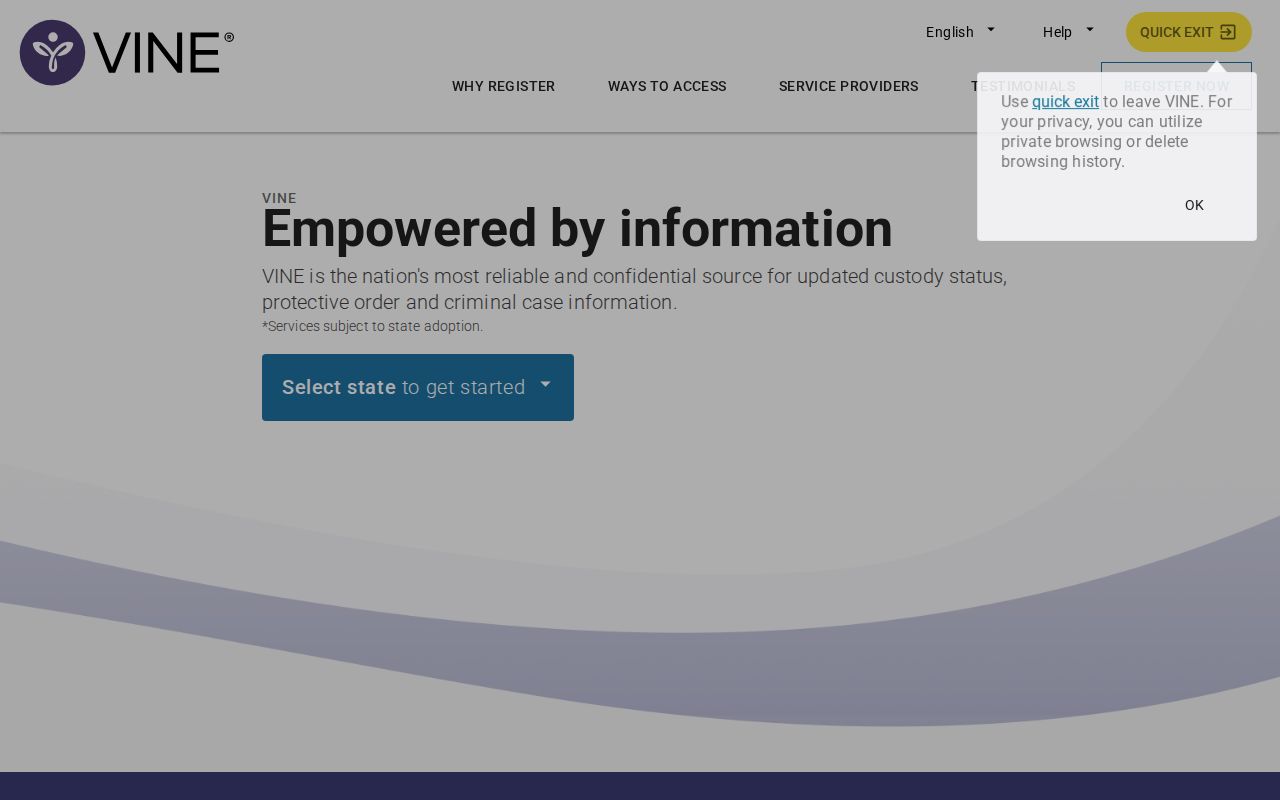
The Indiana SAVIN custody-search page is the destination for this check, not proof that every Randolph booking flows straight into it.
What Randolph VINELink May Show
SAVIN is a custody-status and alert service. The exact fields in a result can shift. Report only what the screen actually shows for the match you select. If no booking photo, charge detail, bond amount, or court outcome appears, do not supply one from memory or another site.
| Information | Proper use |
|---|---|
| Identity details | Distinguish possible name matches |
| Custody status | Understand the status reported by the participating agency |
| Custody location or agency | Identify where direct verification should go |
| Status change | Support release, placement, or transfer notifications |
A custody listing marks one stage of a case, not its end. The court file tells that part of the story.
Register for Indiana SAVIN Alerts
Registration runs through the official web or telephone service. The state FAQ confirms it is free and that notices go out when custody changes. Screens and contact fields may differ from any written summary. Follow only the options the live session shows you.
- Find and positively identify the correct custody record.
- Select the live registration or notification option.
- Choose from the contact methods the service currently offers.
- Enter private contact or confirmation details only in the official service.
- Save the confirmation instructions and update registration if contact details change.
Never type personal alert details into a public form or hand them to an unofficial directory. For phone help, use the state number. The Randolph County Prosecutor victim advocate can also walk you through Indiana SAVIN registration.
Randolph Registration Help
For local, human help, the Randolph County Prosecutor victim advocate assists with Indiana SAVIN registration. The Prosecutor's Office can be reached at (765) 584-2644.
That path suits a victim or witness who needs notification of a release. It is not a county arrest roster. It also does not mean every jail booking surfaces instantly.
Randolph County Prosecutor Victim AdvocateIndiana SAVIN registration assistance
(765) 584-2644
Note: Alerts help with planning, but call the responsible agency directly when safety or timing is critical.
Verify Fresh Randolph Arrests
A brand-new booking may lag before it reaches a custody notification system. The Randolph County Sheriff's Recent Arrests page points visitors to the official app. Its "Recent Arrest" section lists new arrests. Its "Inmate Search" section covers current Randolph County Jail inmates. The county states no fixed refresh schedule.
For very recent events, follow the Randolph County 24 Hour Arrests process. Still stuck? Call the Sheriff or Jail at (765) 584-1721 or (765) 584-7331. Have a full name and rough date ready. Save 911 for emergencies, not record searches. The official Sheriff page carries the office's contacts and app links.
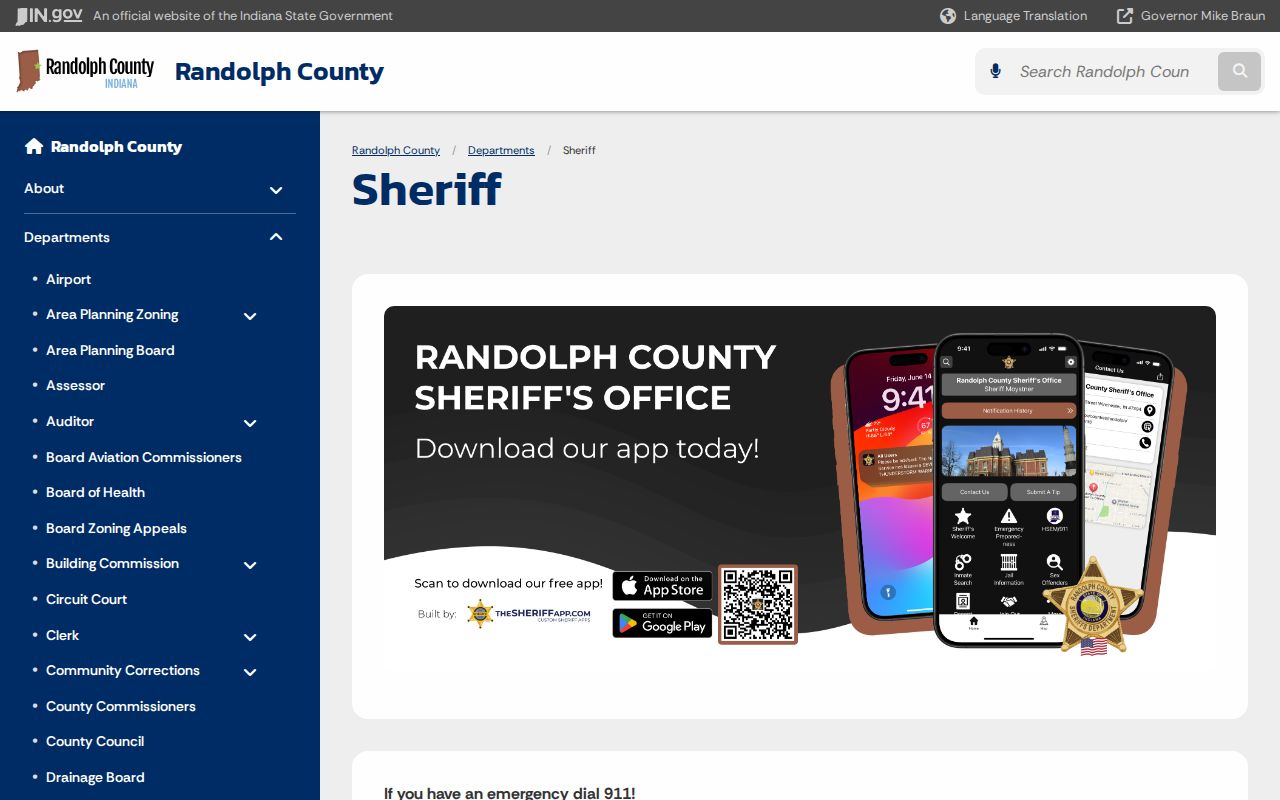
The county contact page gives you a phone route whenever an online custody result is missing or murky.
Randolph Custody Source Differences
Each source tracks a different stage of a case. The Sheriff app shows new county arrests and current inmates. SAVIN handles custody status and alerts. Indiana MyCase carries the public court file, while IDOC's locator covers state prison, not the county jail.
| Need | Correct source |
|---|---|
| New Randolph arrest | Sheriff app “Recent Arrest” |
| Current county inmate | Sheriff app “Inmate Search” and Jail |
| Release or transfer alert | Indiana SAVIN |
| Public court outcome | Indiana MyCase or Randolph court |
| Indiana state prison status | IDOC Offender Locator |
| Federal custody | Federal Bureau of Prisons locator |
Federal custody calls for the BOP Inmate Locator. Immigration detention calls for the ICE locator. Neither one lists Randolph bookings, and a no-result there implies nothing about arrest or immigration status.
Why Randolph Searches Miss Records
A no-hit can mean several things. The arrest may be too recent. The person may already be out, a name may be spelled differently, or the record may sit behind a legal access limit. Indiana court access can also change after sealing or expungement. None of that proves no arrest occurred.
Phrase a result narrowly: not found in that source, on that day. Then try the county source, the right custody source, or the court. An old arrest card does not show current custody. A current custody record does not show a case outcome.
- Custody status
- The location or status reported by a custodial agency.
- Transfer
- A move from one responsible facility or agency to another.
- Disposition
- The court’s later resolution of the charge.
- Expungement
- A legal process that can restrict access under Indiana law.
VINELink Is Not a Photo Search
VINELink and Indiana SAVIN answer one question: where is this person in custody right now? They are not a Randolph County mugshot archive. Treat them as notification tools, not photo galleries. Official county arrest cards may include an image. A booking photo is part of the record itself.
A VINE alert is a starting point, never a court record. When one arrives, read the agency name and the stated change before doing anything else. A release notice says nothing about the case outcome or later court activity. Those answers live with the Randolph County court or the agency that handled the arrest. Write down the source, date, and status each time you search. If something looks off, call the official number. Never feed your details to random websites. Never share private alert-registration information with a third-party site.
Notifications support direct verification. They do not replace it. A new booking or release may not reach every connected system at once. No match? Check the spelling and identifiers, then contact Randolph County Jail. Skip registering an alert for a match you are unsure about.
The Sheriff app's news feed and Indiana E911 notices do separate jobs. Neither one substitutes for SAVIN registration. Hyper-Reach can carry county alerts. The sheriff's office publishes no standing arrest roster through it.
Custody sometimes moves to the state level. Anyone transferred into Indiana state prison leaves the county system. The IDOC offender locator covers those cases. It works with a last name, first name, or DOC number. It is not a Randolph County booking tool, though. BOP and ICE locators track separate federal systems, and neither can confirm a county arrest.